

Bibata Spirit Cursor
157Free
Enhance your digital experience with the elegant Bibata Spirit custom cursor, offering sleek design, smooth navigation, and improved visibility
Browse our full collection of custom cursors. Find your next favorite style and install it for free.
Enhance your digital experience with the elegant Bibata Spirit custom cursor, offering sleek design, smooth navigation, and improved visibility

Refresh your desktop experience with Bibata Original Ice, a stylish custom cursor featuring transparent shades and a unique ice effect for everyday use.

Enhance your browsing experience with the Custom Mint Cursor, a calming personalized cursor symbolizing harmony, renewal, and inner balance.
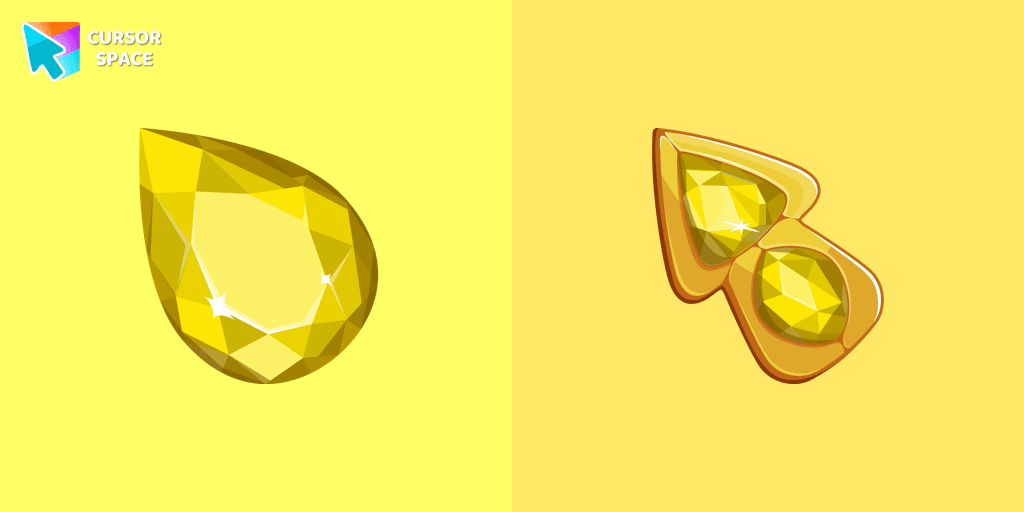
Enhance your browsing experience with The Crystal Drop custom cursor for Chrome. Its sophisticated design and seamless hover effect take your cursor to the next level

Elevate your digital experience with the Bibata Ghost custom cursor—sleek, translucent, and minimalist, offering smooth navigation and a sophisticated style.
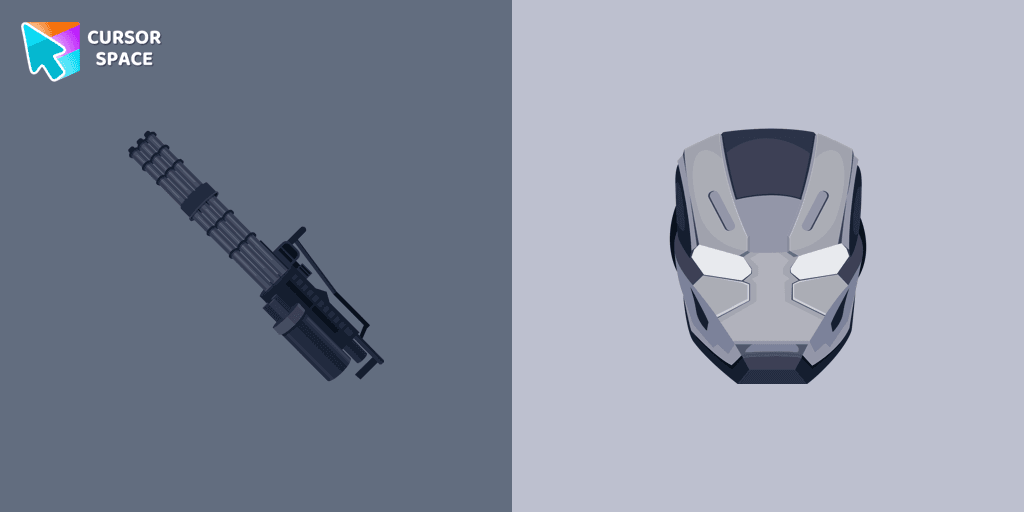
Transform your browsing experience with the War Machine custom cursor for Google Chrome. Featuring the powerful Marvel hero, it adds strength and style to your screen.

Discover Oreo Blue custom cursors to add a playful touch to your desktop. Free, easy to install, and perfect for Windows!

The Cuphead cursor is a Chrome extension that brings characters from the popular video game to life on your mouse cursor.
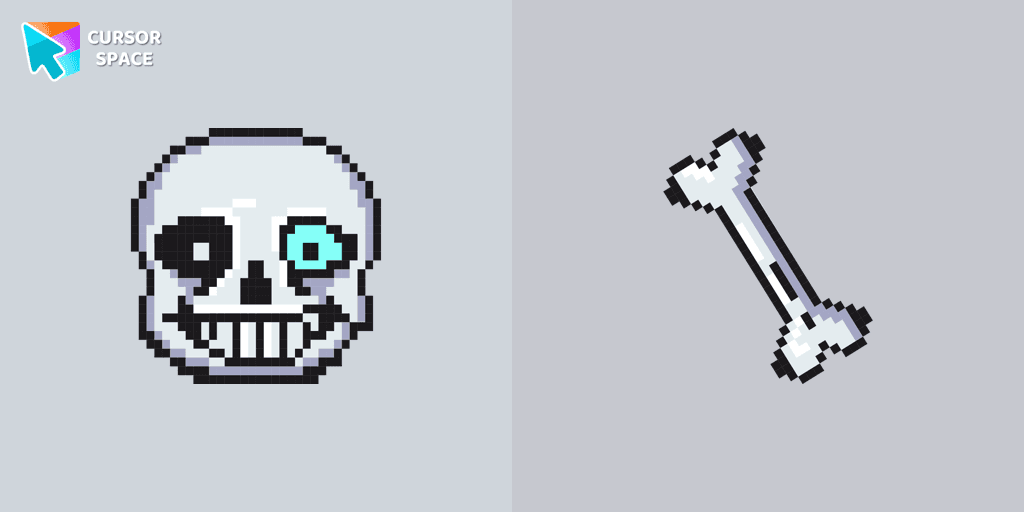
Undertale Sans Pixel Cursor from our Cute Pixel custom cursors collection for Chrome was created especially for Halloween.
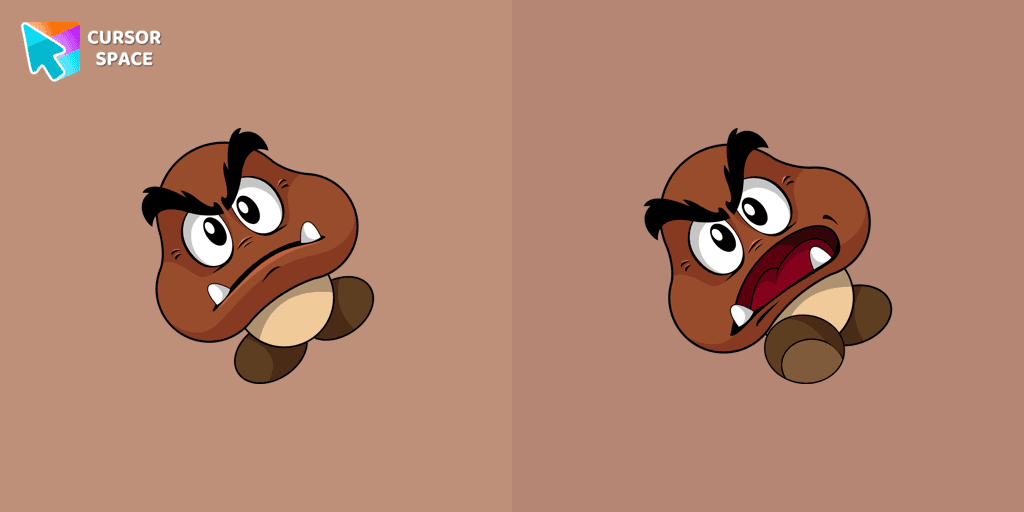
Calling all Mario fans! One of the most familiar foes from the beloved franchise, the Goomba, now has its very own custom cursor.
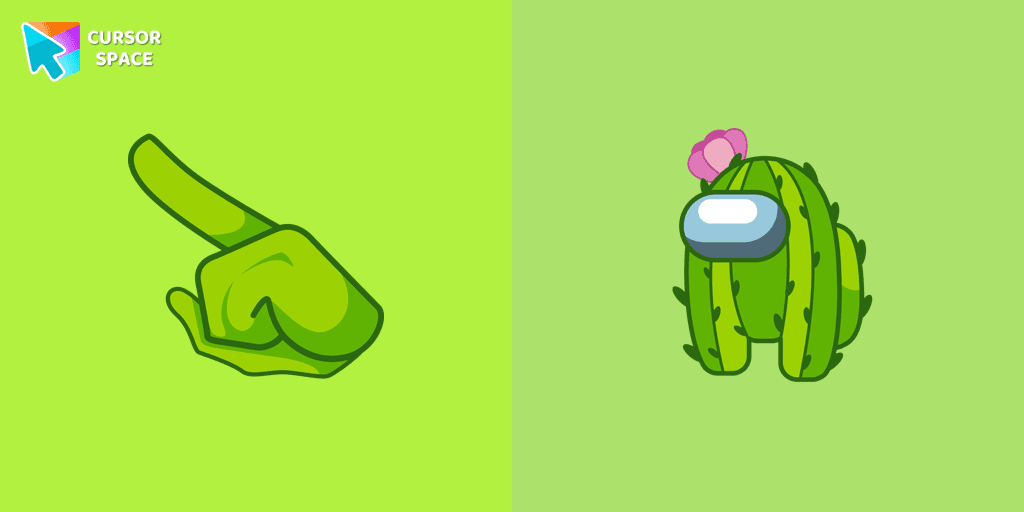
Unleash Adorable Charm with the Cute Among Us Cactus Character Cursor!
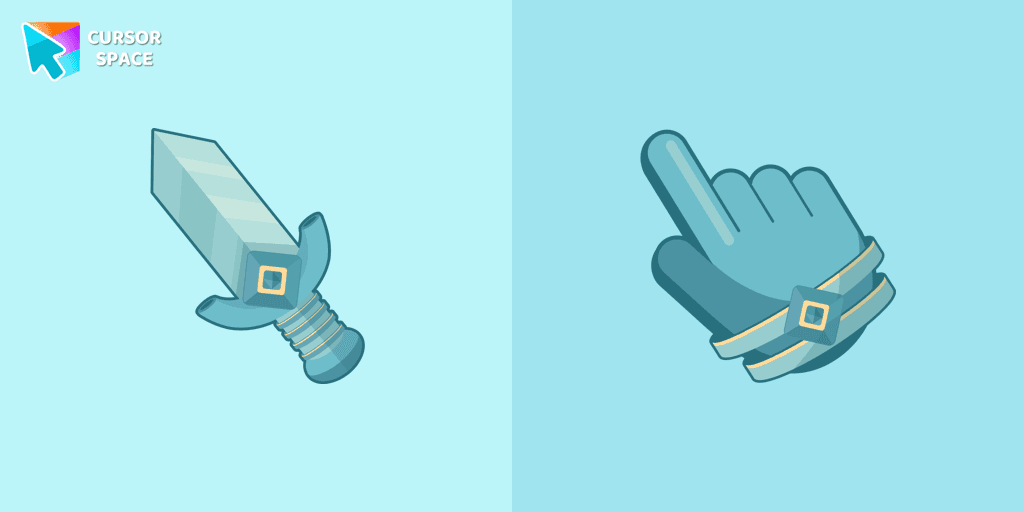
The Knight custom cursor is a cute and stylish mouse pointer. The Cursors collection for Chrome is ideal for fans of unique cursors.
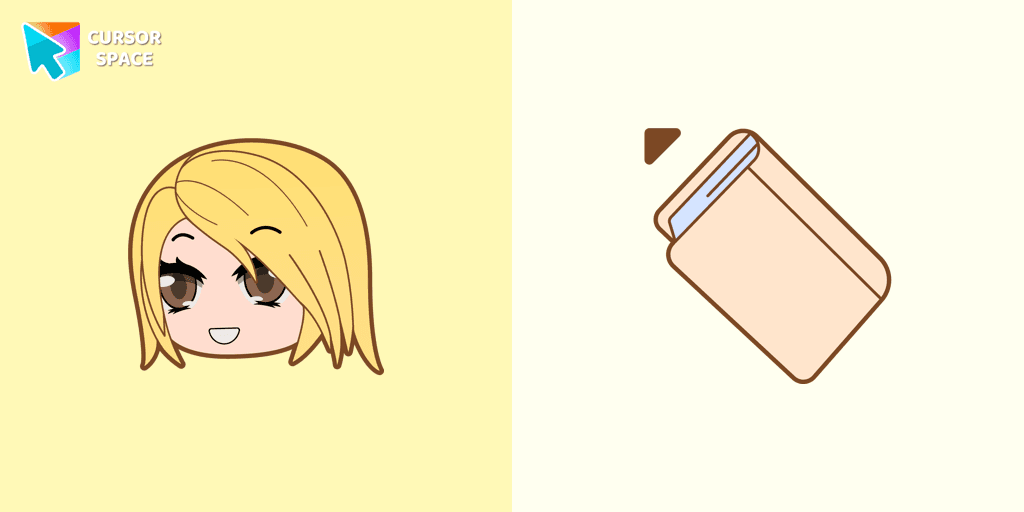
Alexa cursor for mouse and custom hover pointer with the light pink book in a game collection of cursor space
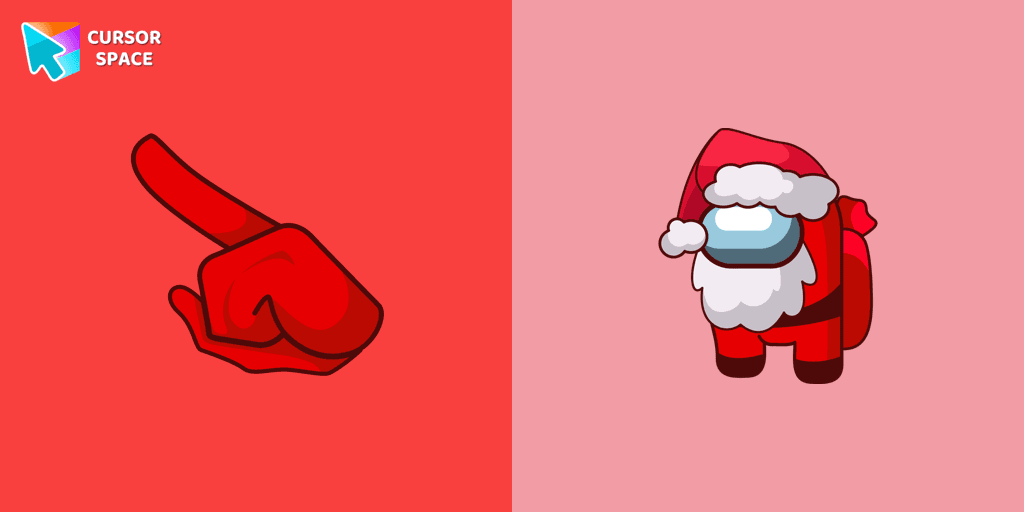
Celebrate the Holidays with the Among Us Santa Character Cursor
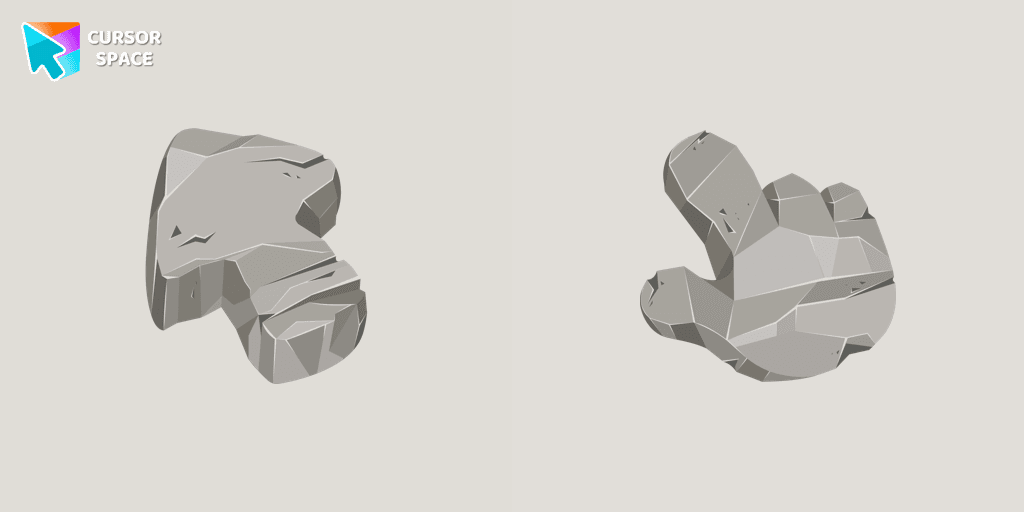
Make your browsing unforgettable with the Stone custom cursor, designed to turn the ordinary into extraordinary. Personalize Chrome with unique style!

Upgrade your interface with Oreo Spark Pink Cursors. Enjoy playful, custom designs that add sparkle to any digital space.

Transform your screen with custom cursors. Choose the Heart Pendant design for a touch of elegance and functionality.

Discover custom cursors from Oreo Purple to anime icons. Make your desktop truly yours with our diverse styles!

Explore nature's beauty with the Tree Texture custom cursor, inspired by diverse tree forms. Connect to serene forests and elevate your browsing experience!

Blue Among Us Character is a custom cursor from our custom cursors collection for Chrome. There are 18 different colors that players can choose in the lobby during the game.
Cursor Space packs include curated cursor sets for everyday browsing: cute, minimal, anime, neon, pixel art, and more. Each pack comes with multiple cursor states (like default and pointer) and can be added to your browser in seconds.
Fresh picks based on what people install most often.
Browse themed sets grouped by vibe and aesthetic.
See weekly, monthly, and all‑time leaders.
Quick answers to common questions about cursor packs, collections, and installation.
Most cursor packs on Cursor Space are free to browse and install. Some packs may be marked premium depending on licensing. The Cursor Space browser extension is free to install from the Chrome Web Store.
Yes. Install the Cursor Space extension for Chromium-based browsers (Chrome, Edge, Brave), open a pack page, and click install/apply. The extension applies the cursor set across your browser.
Open the pack page, click the install or add button, install the Cursor Space extension if prompted, then apply the pack from the extension popup. Your new cursor appears immediately.
Yes. Open the Cursor Space extension, choose another pack, or restore the default system cursor from the extension settings.
Cursor Space is distributed via the Chrome Web Store and Edge Add-ons. Keep the extension updated, and only install packs from trusted catalog pages on this site.