
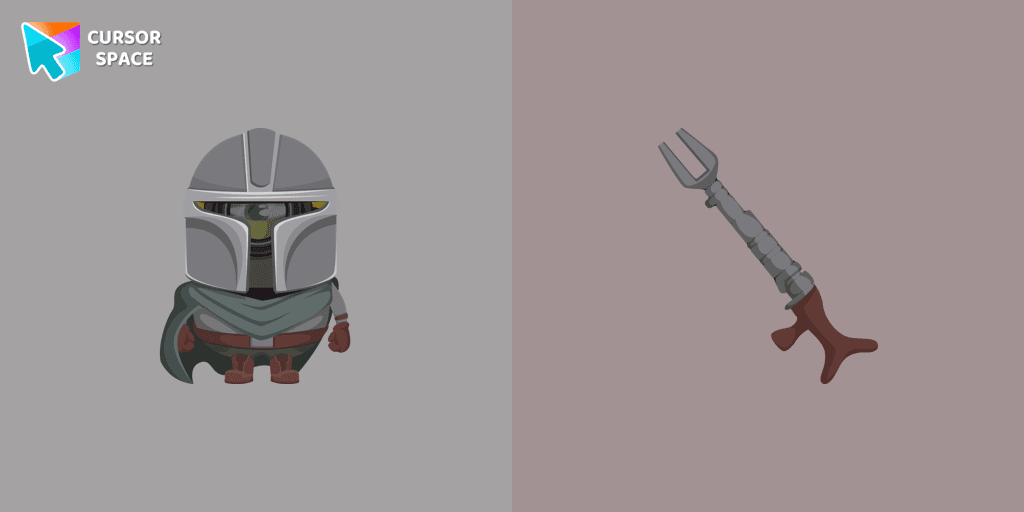
Minion Mandalorian Character cursor
0Free
Minion Mandalorian Character cursor and pointer in our adorable custom cursors collection with Minions.
Install the Cursor Space extension for Chrome or Cursor Space for Edge in your browser.
On this page, click "Add this cursor pack to the extension".
Open the extension and go to the Packs tab.
Find the custom cursor pack "Sorting Hat and Sword of Gryffindor cursor" and click it.
Enjoy!
Get this cursor pack and thousands of others by installing our extension. It's fast and free!
Sorting Hat And Sword Of Gryffindor Cursor is a themed cursor pack you can add to your browser to personalize your pointer across common cursor states (default and pointer). Use it for everyday browsing, streaming, studying, or gaming-anywhere you want your cursor to match your vibe.
See how the cursors look before installing.
Add the pack to the extension in a few clicks.
Designed for Chrome and Edge via the extension.
Quick answers to common questions about cursor packs, collections, and installation.
Yes. To apply cursor packs in Chrome or Edge, install the Cursor Space extension and add this pack to it.
Cursor packs are designed for Chromium browsers like Chrome and Microsoft Edge.
Open the extension, choose another pack or disable the current one to return to your default cursor.
Custom cursor and packs - neon, anime, pixel art. Quickly add to Chrome and Microsoft Edge for free
Minion Mandalorian Character cursor and pointer in our adorable custom cursors collection with Minions.
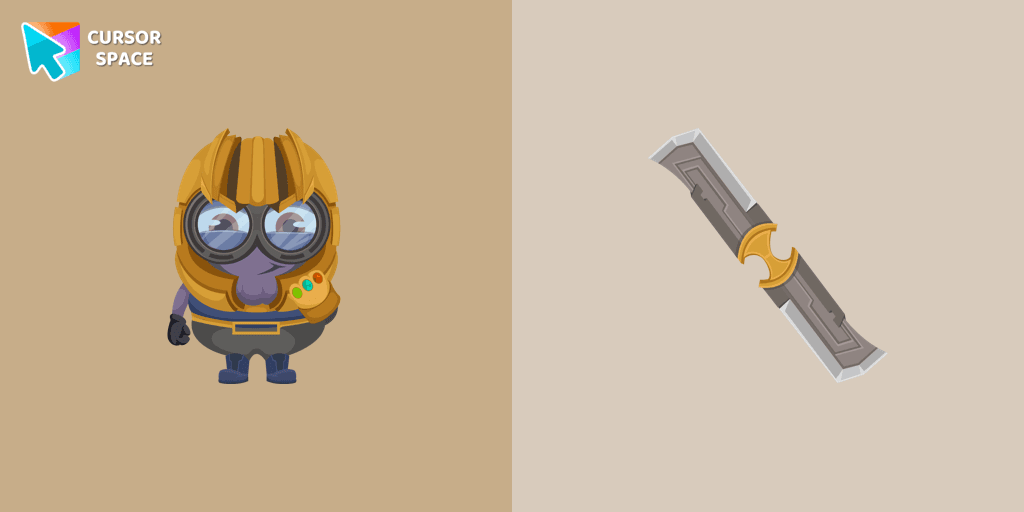
Well-designed custom cursor with a Minion Thanos in our fantastic Minions custom cursors collection for Chrome.
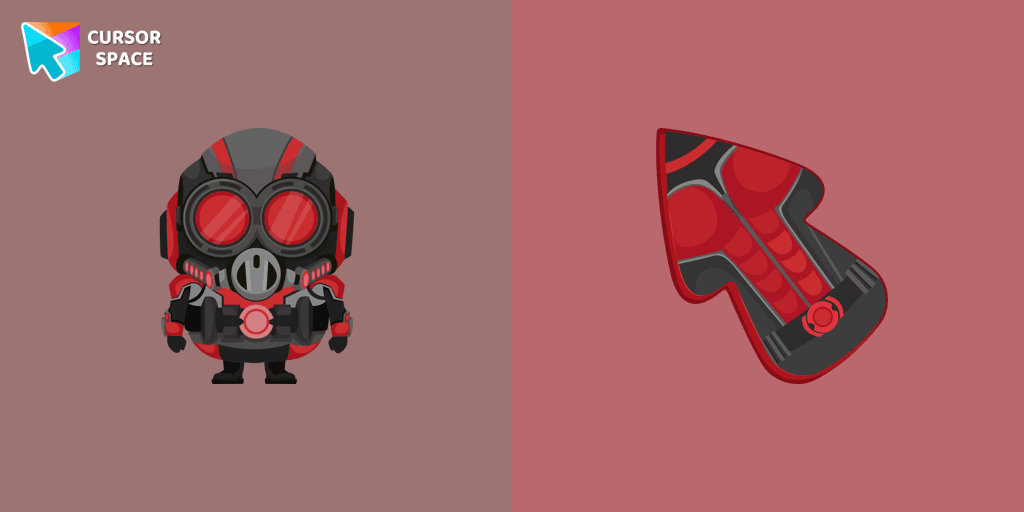
Add a custom cursor with Minion Ant-Man from our adorable custom cursors collection with Minions.
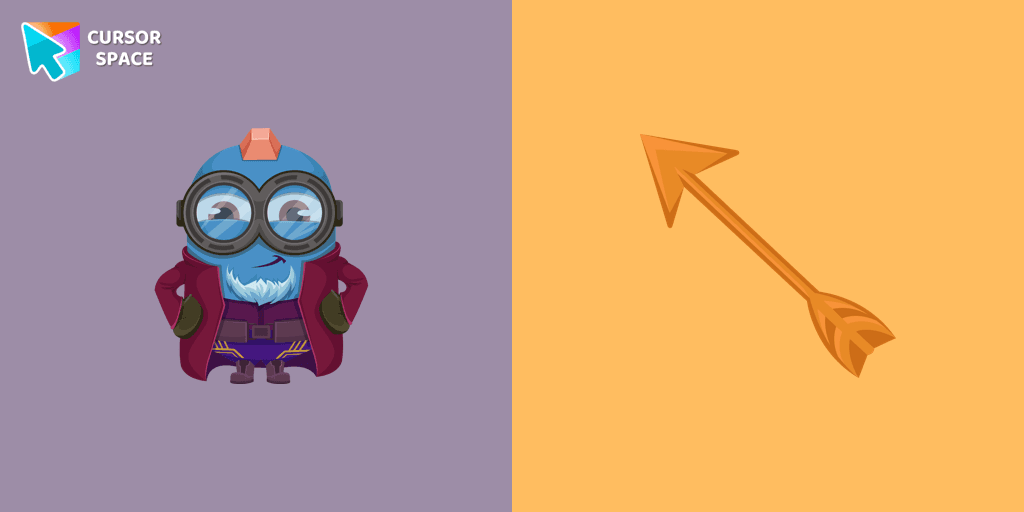
Meet the Minion Yondu cursor for Chrome in a custom cursors collection with Minions for mouse and pointers.
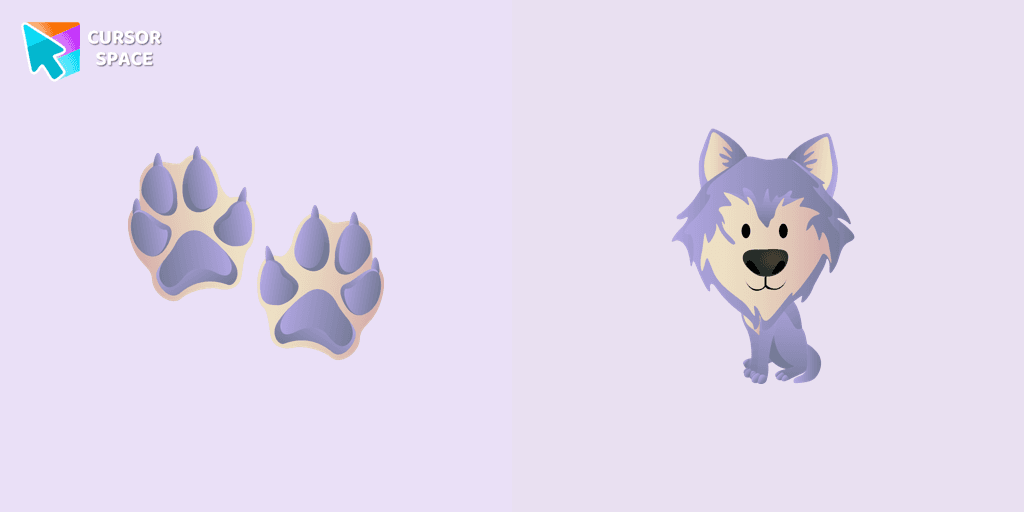
In our cute custom cursors collection with animals, we have illustrated a wolf as a custom cursor for browser in a nice art.
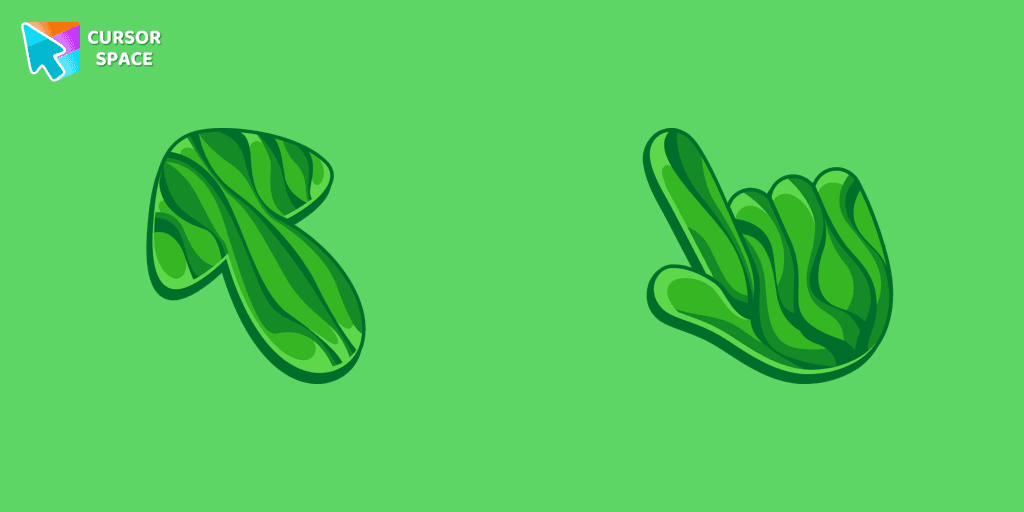
Discover the allure of nature with The Grass cute cursor, a unique addition to The Cursors custom cursors collection.

Upgrade your browsing with the Vibrant Orange Gradient Cursor. This custom cursor offers a seamless orange gradient, merging style with functionality
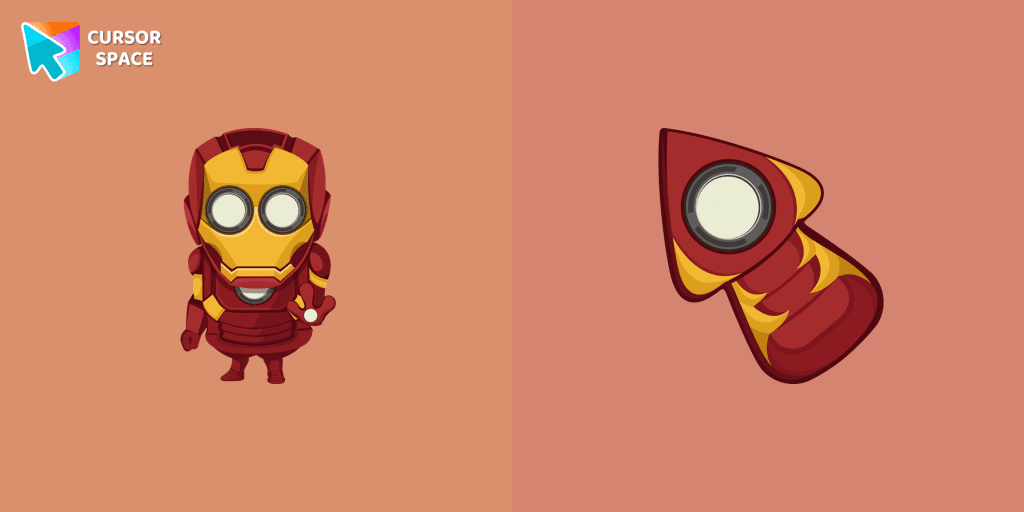
Well-designed Minion Iron Man custom cursor in our fantastic Minions custom cursors collection for mouse and pointer.
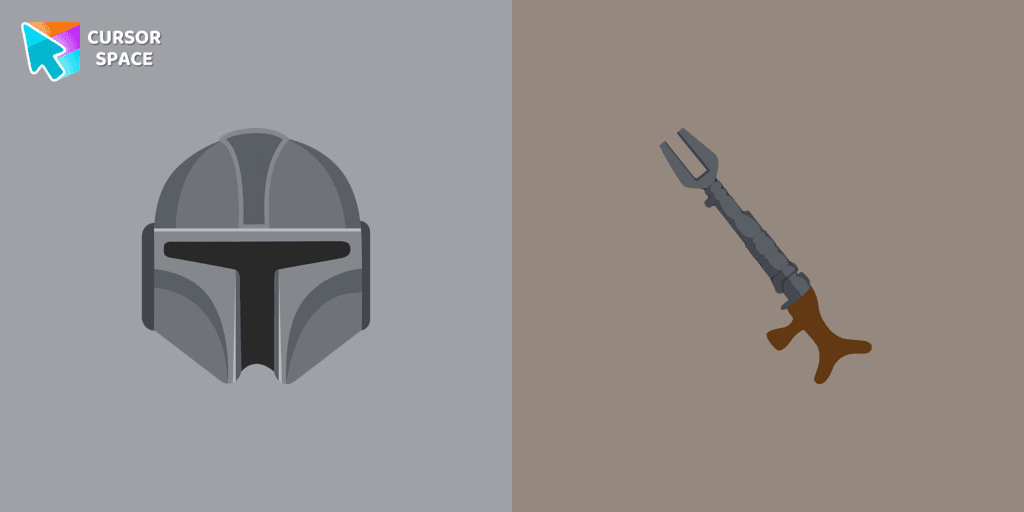
Show your love for The Mandalorian with our custom cursor. Enjoy the iconic bounty hunter in a custom cursor for Google Chrome, adding style to your browsing.
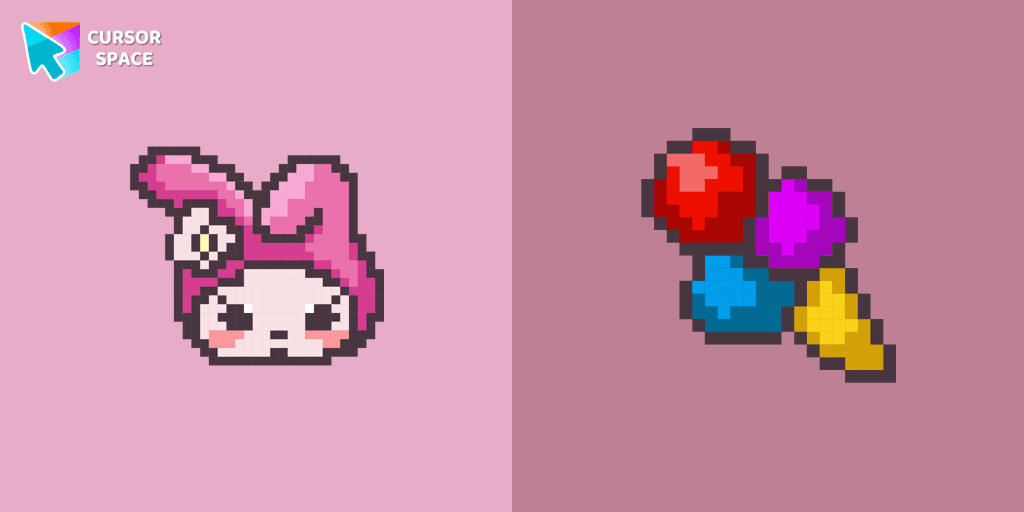
Custom cursor with My Melody and ice cream as a hover in a set of Cute Pixel cursors for Chrome.
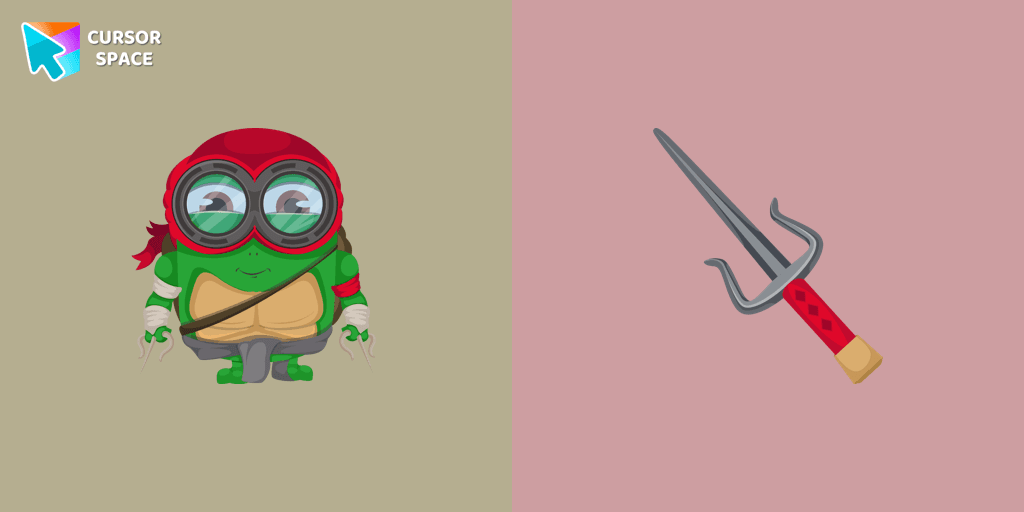
Transform your browsing with a custom cursor for Google Chrome! The Minion Ninja Turtle Character cursor combines fun Minions with Ninja Turtle excitement.
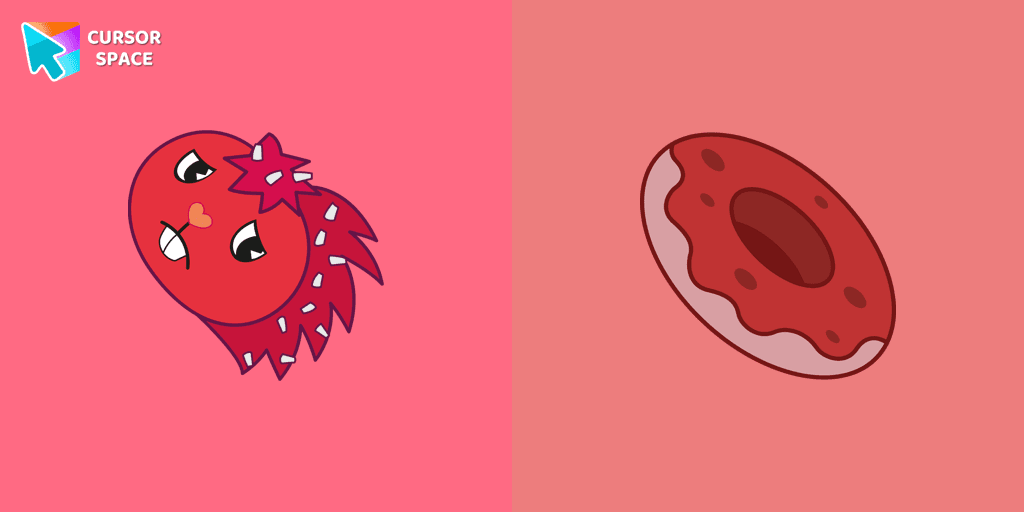
Flaky, a popular character in the Happy Tree Friends series, is a red porcupine with quills resembling white flakes
Installation leaders from "Harry Potter Cursors": free packs, neon/anime/pixel art, quick add to Chrome and Edge.
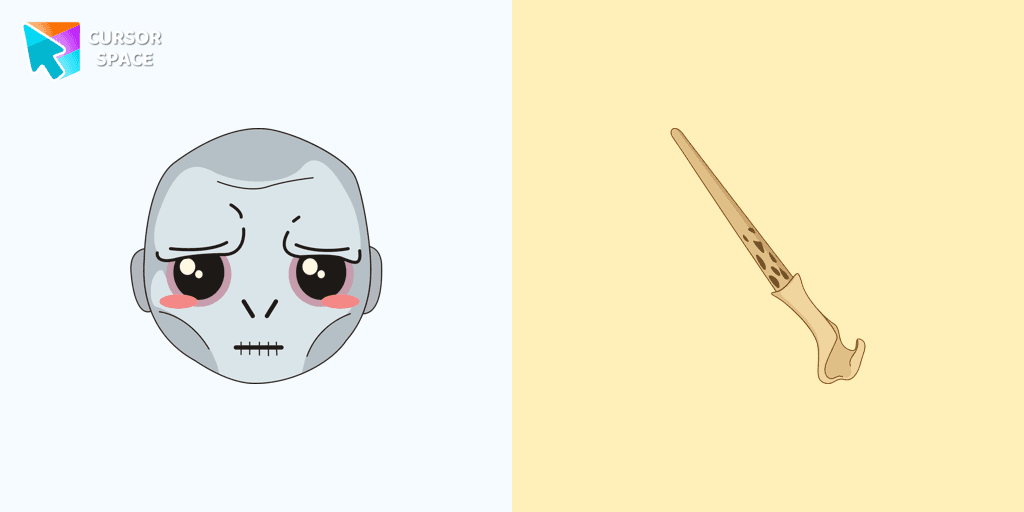
Meet Lord Voldemort cursor for Chrome in a custom cursors collection with Harry Potter for mouse and pointers.
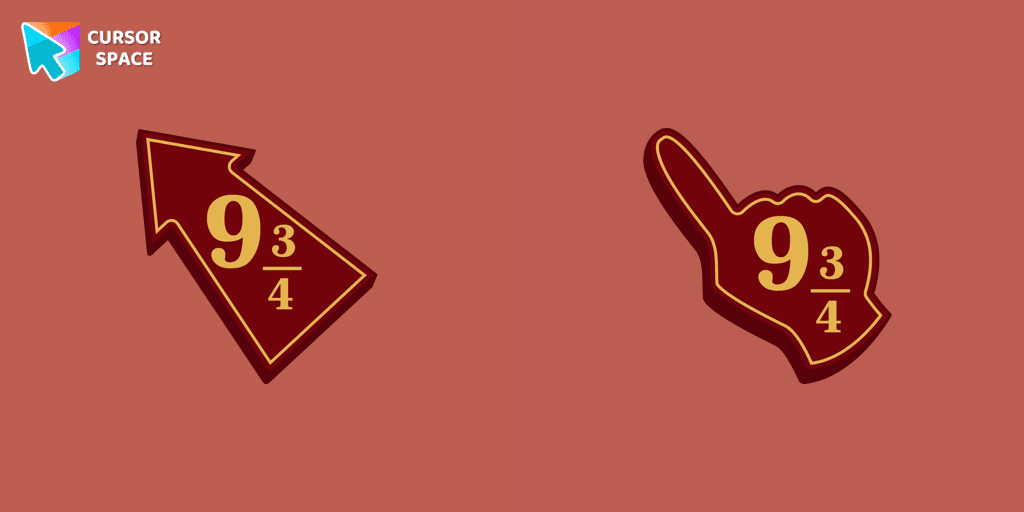
Meet the Platform 9 3/4 cursor for Chrome in a custom cursors collection with Harry Potter for mouse and pointers.
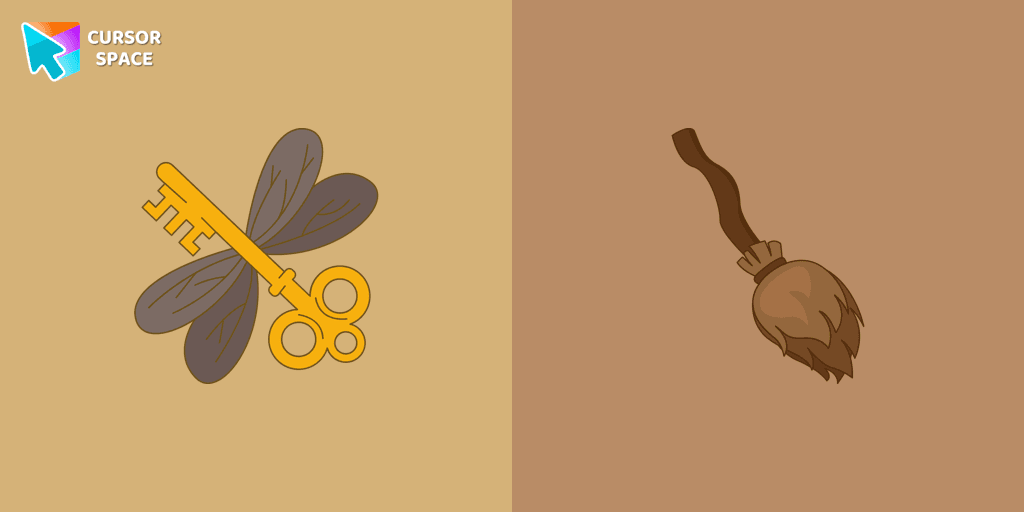
Set up a magic mood by changing the usual pointer to the cute Winged Keys cursor for the mouse. The most fantastic custom cursors collection for chrome in your browser!
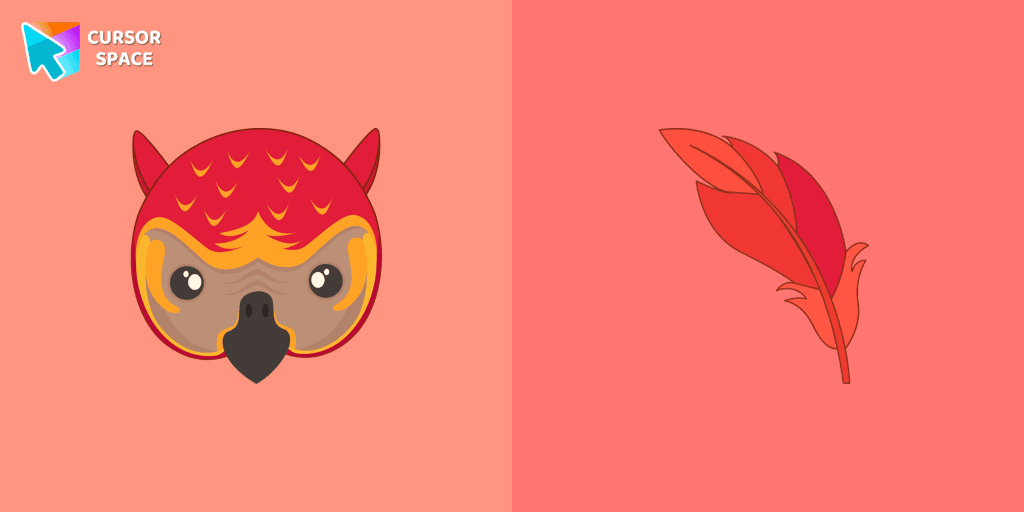
Fawkes the phoenix from Harry Potter custom cursor and pointer for the mouse is pretty illustrated in our cute cursors collection with Harry Potter characters.
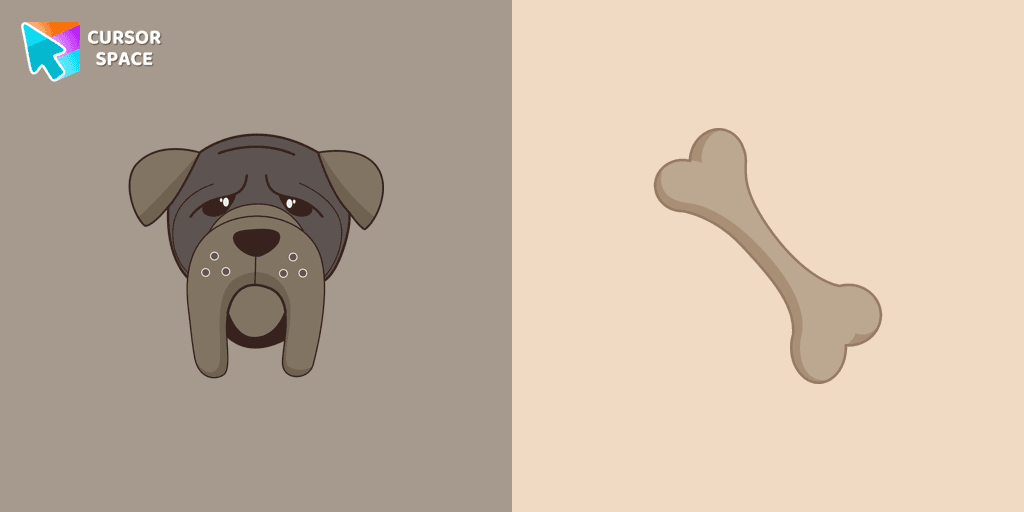
In our cute custom cursors collection with Harry Potter, we have illustrated a Fang as a custom cursor for the browser in a nice art.
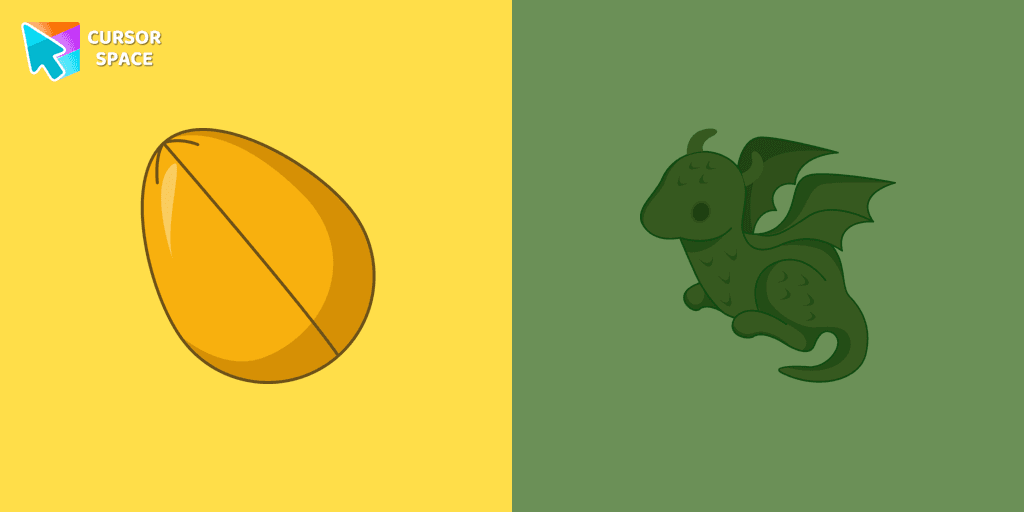
The Dragon and Golden egg custom cursor from our custom cursors collection for Chrome will change your default mouse pointer to something magic.
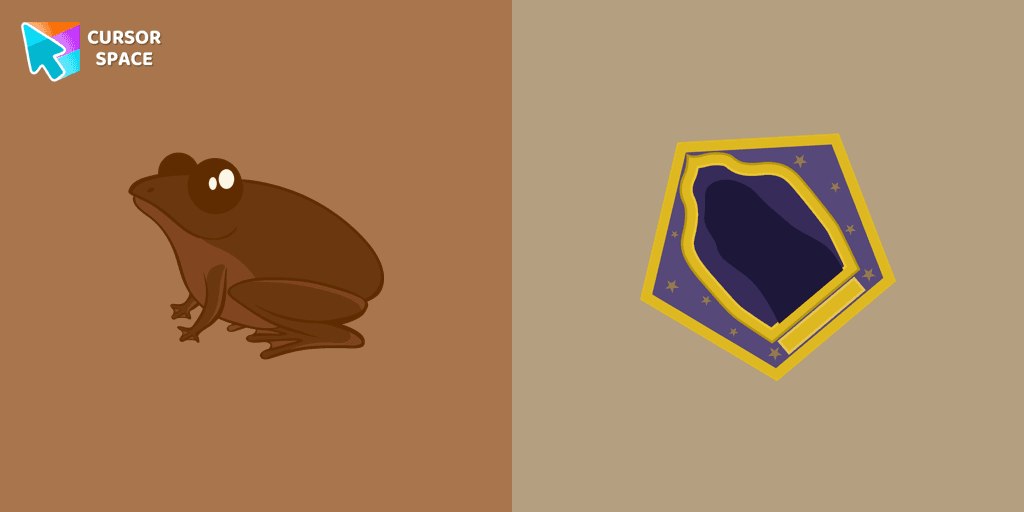
Appetizing chocolate frog custom cursor for mouse and pointer that was created in a realistic style for our custom cursor collection Harry Potter.
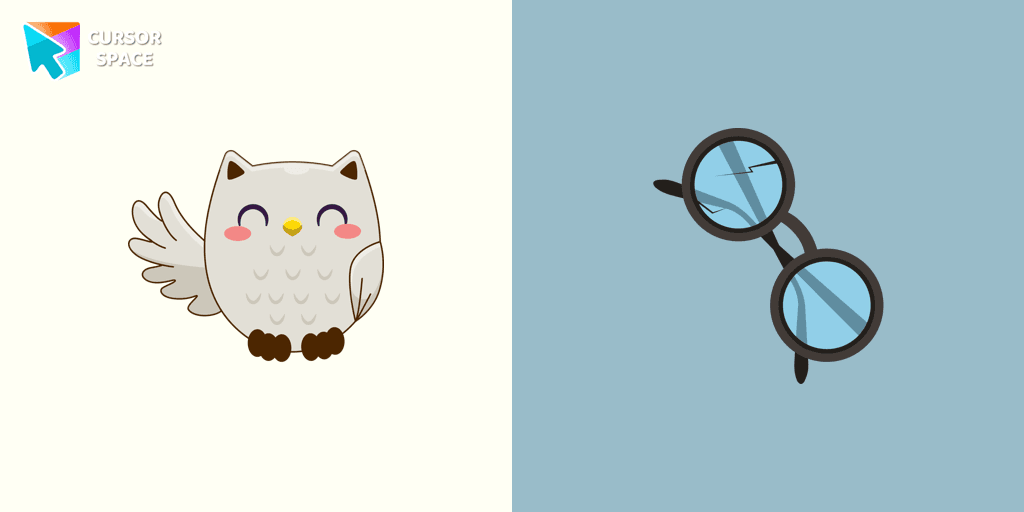
Harry Potter custom cursors collection for Chrome and cutie Owl Hedwig cursor for mouse and Harry Potter glasses hover.
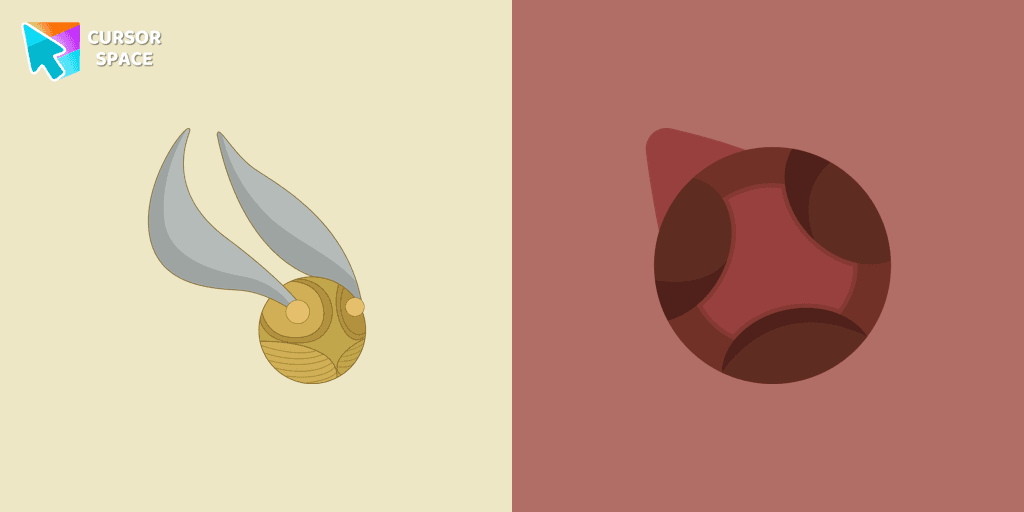
Don't miss out on flying on a broom by playing the fun Quidditch sports game. Snitch as a cursor for the mouse and quaffle pointer will look pretty nice on your screen.
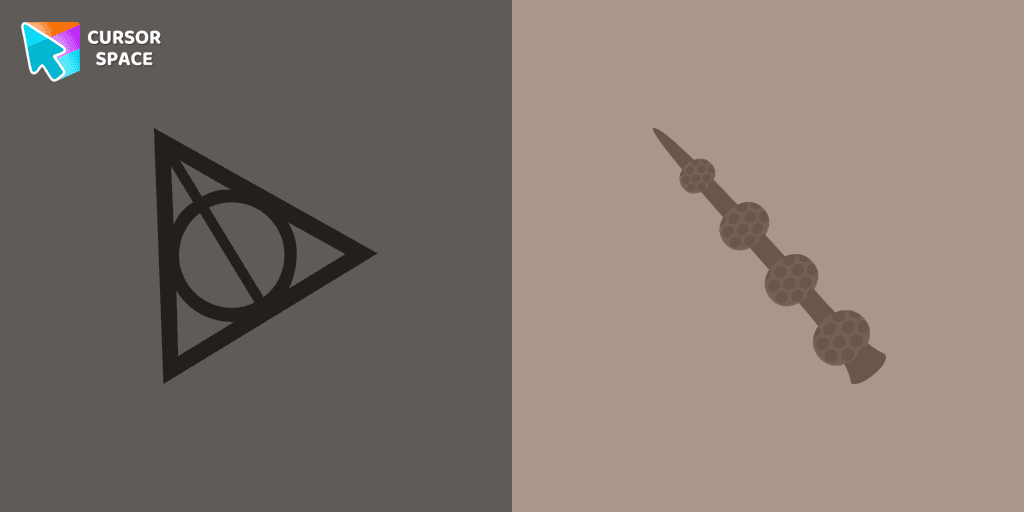
There is a custom cursor with Elder Wand and a Resurrection Stone as a hover in a set of Harry Potter cursors for Chrome.
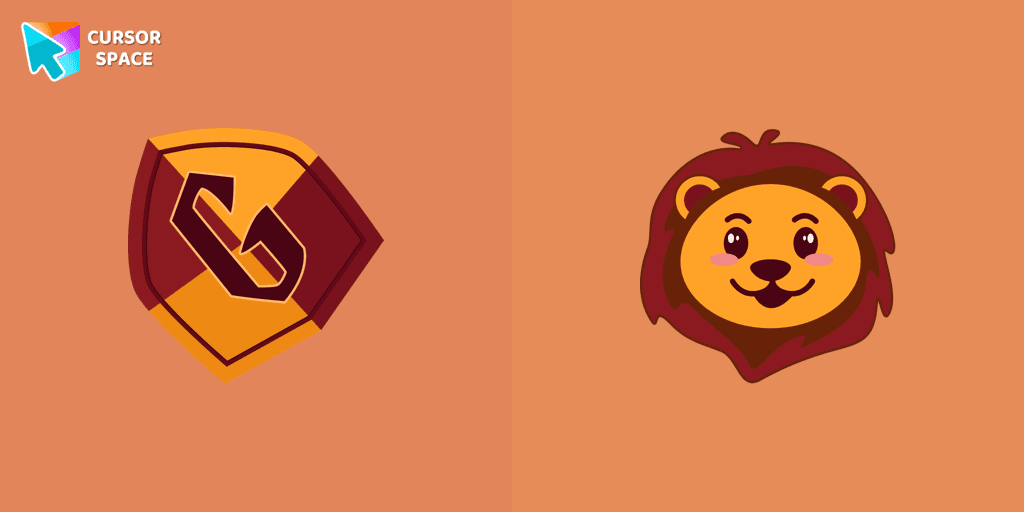
Gryffindor Crest cursor for a mouse is a good fan art to decorate your browsing. Mascot lion hover comes together with the custom cursor with Gryffindor emblem.
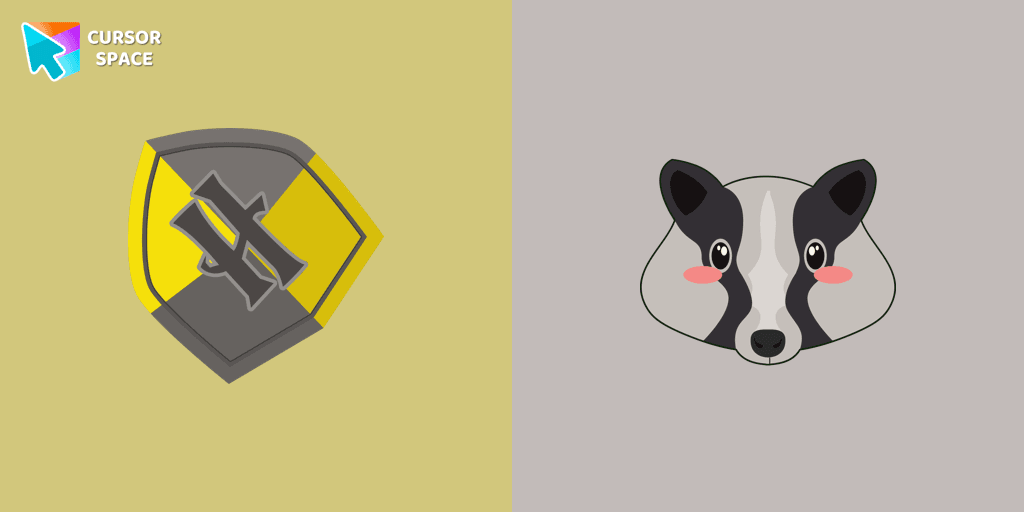
Cute Hufflepuff Crest cursor and mascot badger pointer in our custom cursors collection with Harry Potter.
Add packs instantly and unlock access to thousands of cursors: neon, anime, pixel-art, and more. Fast, safe, and free.
Cursor Space is an extension for changing your mouse cursor in Chrome and Edge browsers: themed collections, HiDPI icons, neon, animated, and pixel cursors, with quick installation.
